
- Developer
- breyman games
- Devices
- Desktop, phone and tablet
- Category
- Racing
- On Browser Game Hub
- Play here
The player loads automatically on this page. The provider controls the in-game menu and any ads shown in the player.
Game overview
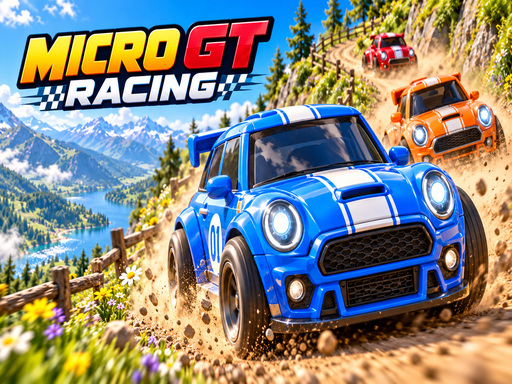
Your first race starts in the desert. Use the minimap to see what’s beyond the pack and choose between automatic and manual throttle. The publisher lists 12 tracks, plus car upgrades and a match-three mode in the garage where you defend against dragons.
Watch gameplay
Your first desert race in Micro GT Racing
Two runs, from the grid to the bridge
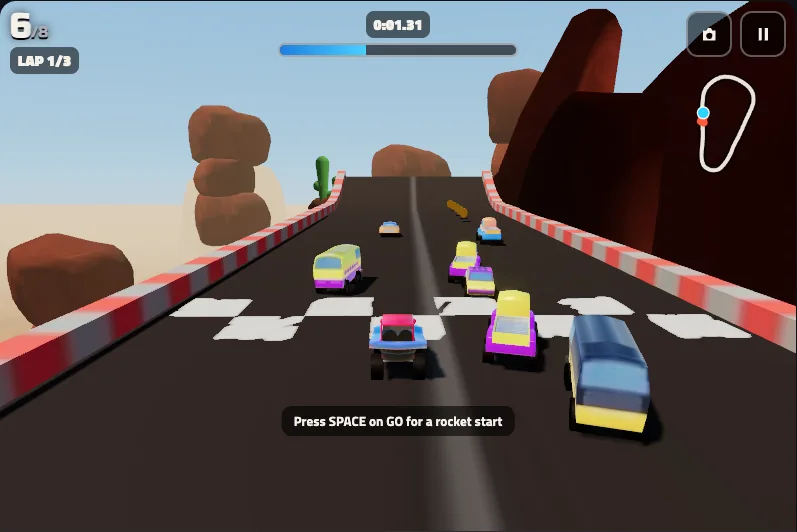
There is still a pack ahead after pressing W. Leave room to steer around it.
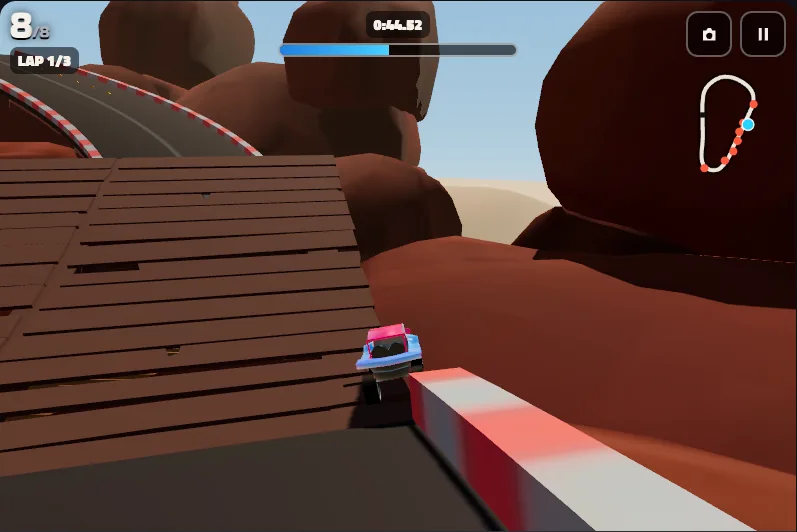
I clipped the right edge here. The wider approach is a better place to line up the car.
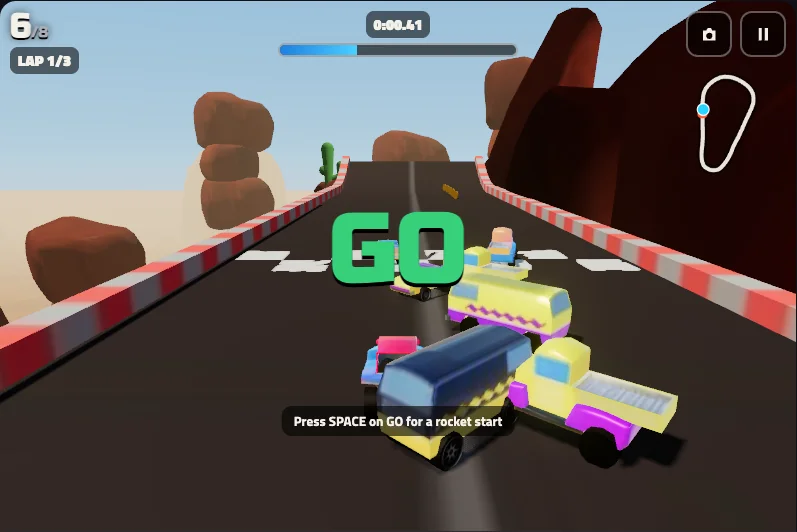
Click PLAY and wait for the green GO
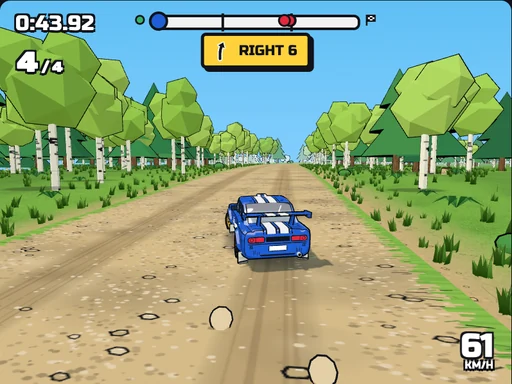
PLAY takes you straight to the track. The left corner shows your position and lap. The minimap is on the right. There’s a short prompt beneath the cars that tells you to press Space on GO for a rocket start.
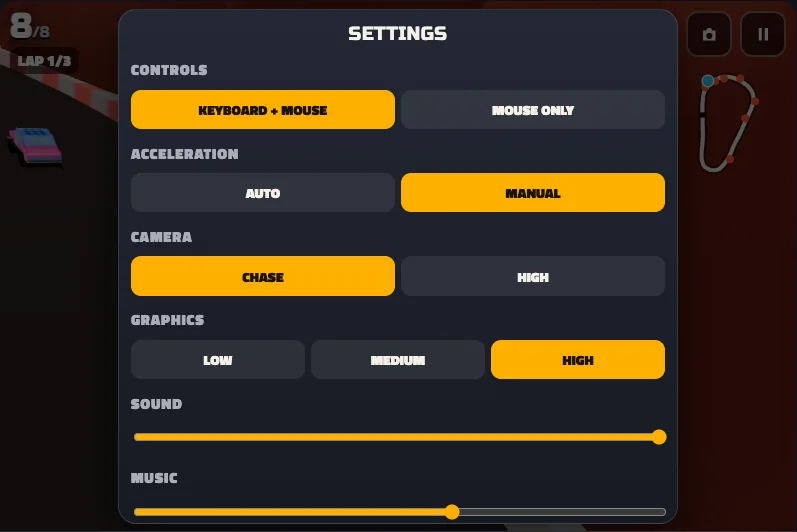
Both yellow selections are active. Control scheme and acceleration are separate settings. Switch to MANUAL to control your speed
My first run was on AUTO. The car pulled away on its own. Pause from the upper-right corner, open SETTINGS, then select KEYBOARD + MOUSE and MANUAL. Press DONE to return to the pause menu, where you can restart the race.
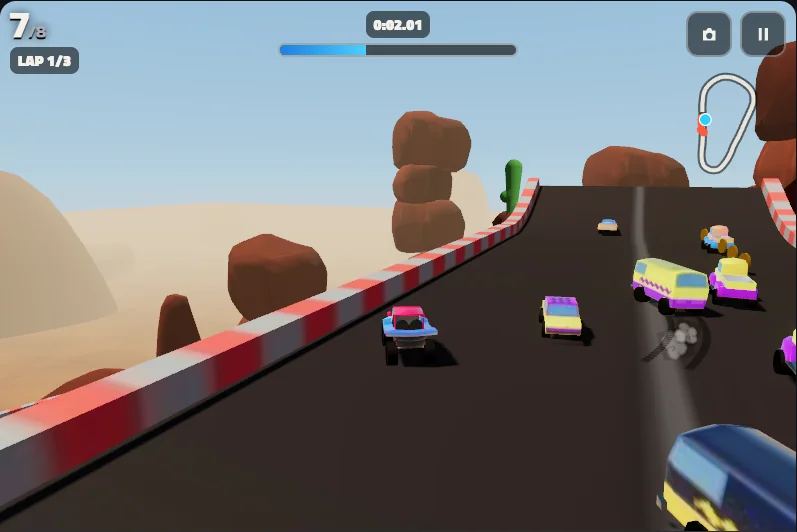
Accelerate with W and make small steering inputs
With manual acceleration, I held W to cross the start line and tapped A to pull a little left of the pack. A steers left and D steers right. When the red-and-white barriers start to curve, ease off W and make one small correction at a time. That leaves room to straighten the car again.
On the first lap, remember where you lift off the throttle. Keep the camera angle on the next run and try lifting a little earlier. See if that gives you more room to steer.
From the starting pack to the wooden bridge
Race situations and steering choices
- The cars ahead fill the screen
- Use one short tap to make a little space to the side
- The red-and-white barrier starts to turn
- In manual, ease off W and look for the direction of the bend
- You are lining up for the bridge
- Make the larger steering correction while the road is still wide
- Your car is stopped at an angle against the edge
- Straighten it if you have room, or use Restart to practice the approach again
More racing or a chance to practice car control
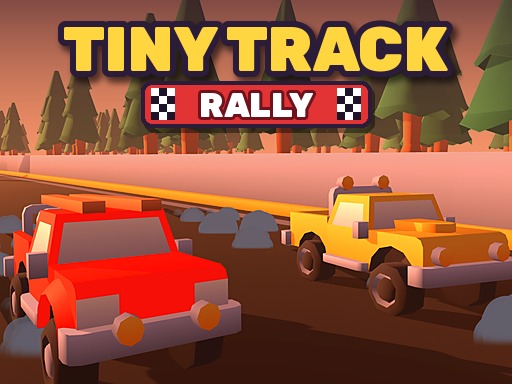
Tiny Track Rally
Choose this for more toy cars fighting for room on narrow tracks. Try the time trial to practice a line, then experiment with nitro on clear straights.
Play this game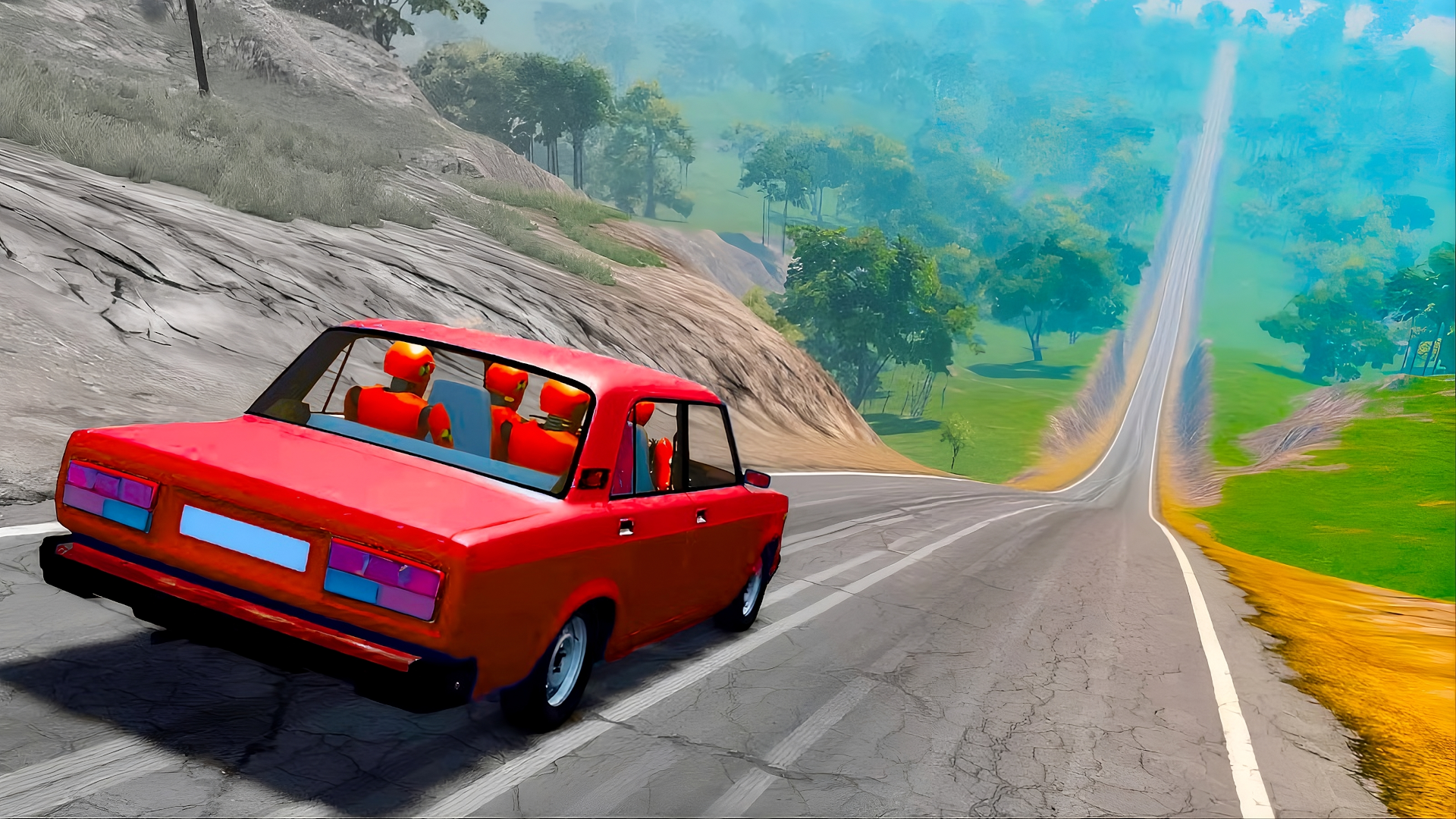
Deadly Descent
Play this if lining up the car near the bridge was the part you wanted to practice. The goal is getting downhill with the vehicle intact, and a track saves your best distance.
Play this game
Frequently asked questions
Why does the car accelerate on its own, and how do I turn it off?
Open the pause menu, then go to Settings and set Acceleration to Manual. Choose Keyboard + Mouse to use W for throttle, then select Done.
On auto acceleration, I was still getting used to the chase camera when the car reached the narrower part of the road. I ended up on the right-hand barrier beside the wooden bridge. It was hard to pick out which input had sent me there while the car was still moving forward.
On the manual run, I held W to get over the start line and used a short tap of A to move left of the pack. I could see how far that tap moved the car. Letting off the throttle also gave me a moment to see where the road went. I would use auto if I could already keep the car near the middle and wanted to learn the course. I would use manual if I kept reaching the same barrier before I had time to steer.
I tried the start and the early part of the desert race. My notes on the garage describe the publisher's listed mode and what to look for when you reach it. I did not finish the garage defense run.
How do I steer around a bend without hitting the barrier?
Ease off W and tap A or D once. Look at how far the car moves relative to the red-and-white edges before steering again.
In chase view, the camera turns with the car. A short tap can move the road across the screen before the car has changed lanes by much. Look farther ahead, at the red-and-white edges. They tell you whether the car is heading toward the middle or following one side too closely. Give the first tap time to take effect before tapping back in the other direction.
The settings panel also has a HIGH camera setting. The screenshots here use CHASE. If a crest or the car ahead keeps blocking your view, compare the cameras on the same stretch of road. Change one thing at a time. Switching the camera and acceleration together makes it harder to tell what helped.
The minimap is useful on a straight, when you have a moment to see which way the next stretch bends. Bring your eyes back to the road before entering it. The map does not show whether a cluster of cars will block the way onto a narrow bridge. In the pack, look along the sides of the cars for a better view of the exit. If you cannot see around the car ahead, it may be easier to follow it until the road widens.
What can I do if my car gets stuck at the bridge?
If the car has room, release the throttle and turn back toward the center. If it stays stuck, choose Restart from the pause menu and line up before the bridge on the next run.
Try a normal start first. The game does display a Space-on-GO tip for a rocket start. In this session I was testing manual acceleration and steering, so the rocket start is an on-screen suggestion. Save it for a lap where you already have a sense of the first turn. Extra speed into a crowd does not tell you much if you cannot see the road.
Line up the car while you are still on the wide section. As the wooden planks spread out in front of you, hold the line you picked. If you are drifting to one side in manual mode, ease off the throttle, make a small correction and see whether the car is moving back before you accelerate. That is easier to judge before the barrier fills one side of the screen.
After you are through, check where the center of the next stretch appears. The direction that took you across the bridge may point you toward an edge after the road opens up. If you want to make one adjustment on the next run, pick a landmark where you can start to straighten. You can learn something from a real difference at the bridge even if the lap time or finish position is still out of reach.
How do car upgrades and the garage defense mode work?
Use race rewards for the upgrades shown in the garage. When the dragon-defense mode begins, follow the on-screen match-three objective. I tested the early driving, so use the game prompts for the defense sequence.
The publisher lists race rewards for car upgrades and a separate match-three defense mode. Before spending a race reward, think about whether you were losing space on straight roads or giving away time against the barriers. Look at what is available in your garage, then test the change on a stretch you know. The same section gives you a better comparison than a fresh course.
On the defense board, read the current goal first. Scan for a few available matches and decide which one helps the immediate threat before moving anything. I verified the driving examples above, so I would take the garage prompts as the guide for that part of the game.
What controls do I use on desktop?
Use WASD and the mouse. Follow the current prompts to see what clicking does on the racing screen or defense board.



Find another game to play
Explore more racing, puzzle, and sports games, or pick one at random.


