
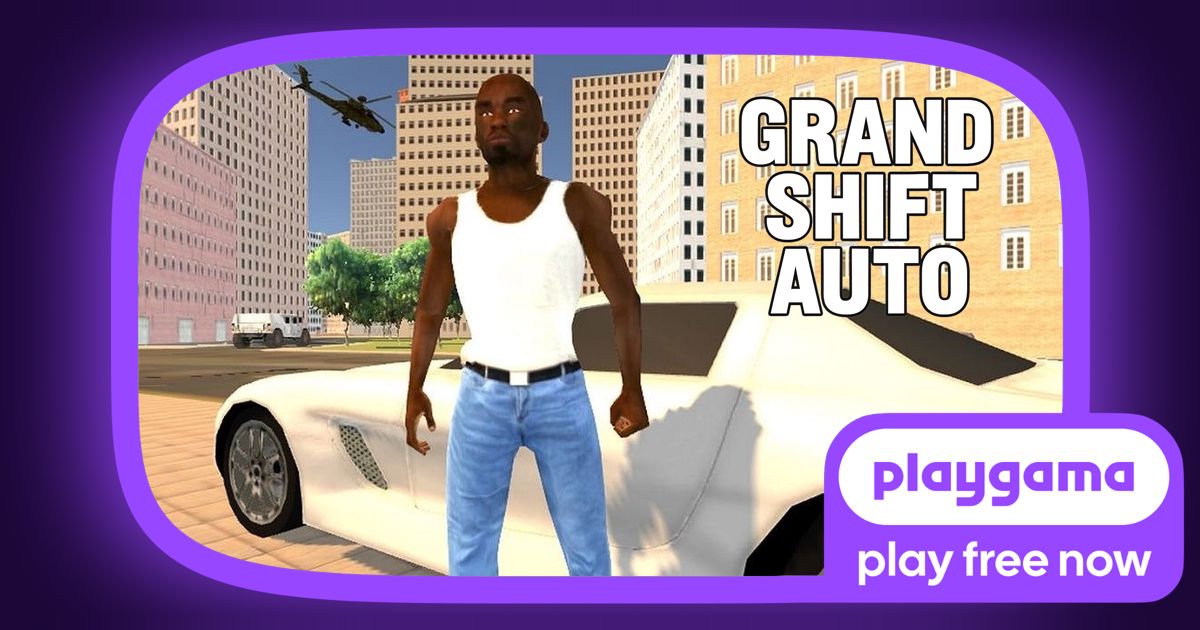
- Developer
- oneru220
- Devices
- Desktop
- Category
- Action
- On Browser Game Hub
- Play here
We tested Playgama build v1.38 in desktop Chrome.
Game overview
Grand Shift Auto spawns you on foot in a city park. The upper-left radar already shows a yellow exclamation mark, so you can choose a direction as soon as the game opens.
Watch gameplay
From NEXT to the first street
The park spawn and the street beyond it
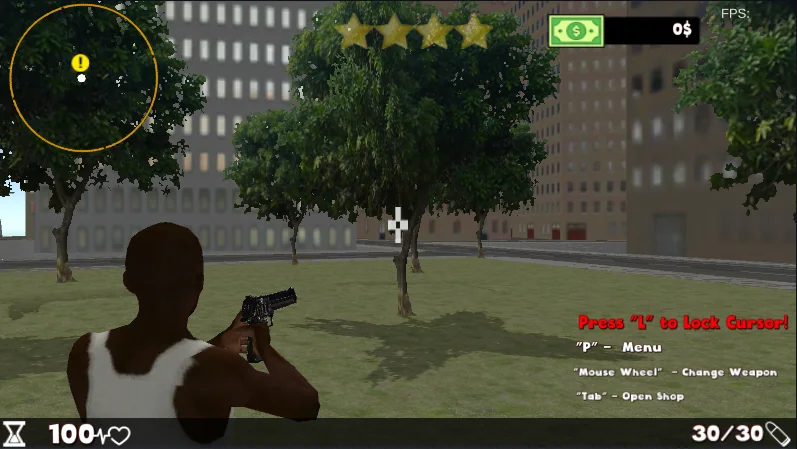
The radar shows the yellow mark before you reach the street.
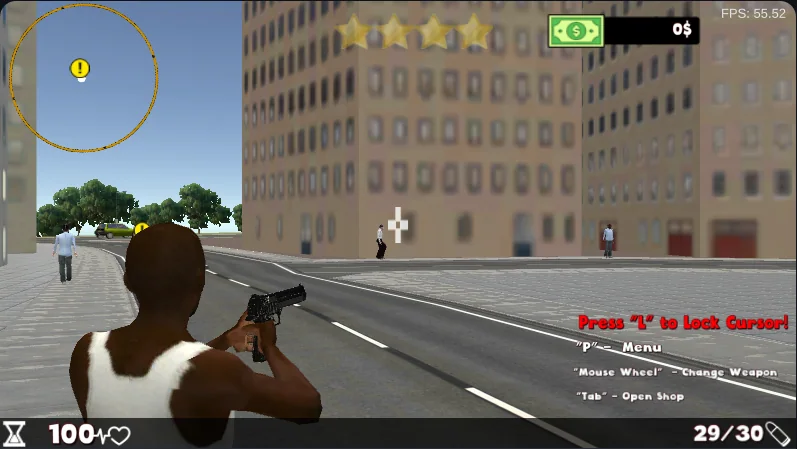
The yellow mark is visible ahead and to the left.
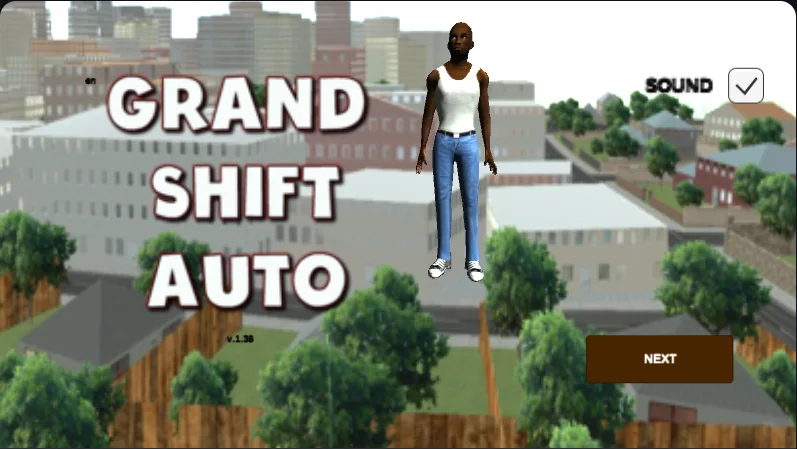
Start the v1.38 build
Select NEXT on the title screen. Keep a keyboard handy for the controls that appear once you spawn.
Read the marker from the park
Before moving, locate the yellow exclamation mark on the radar. Hold W to walk out of the starting area.
Check both views at the road
After walking across the grass, we saw the marker down the street to the left. Use its position in the world to double-check the radar.
The red L prompt is about mouse capture. Movement can already work while that prompt is still on screen.
Keep the yellow mark in view
What changed once we left the grass
We chose NEXT, held W to move across the grass and reached the road on the far side. The yellow mark stayed visible on the radar. From the street we could also see it ahead and to the left in the game world.
Check the mark again when you reach the curb. The aiming reticle stays in the center of the screen. The radar and the yellow marker give you a destination.
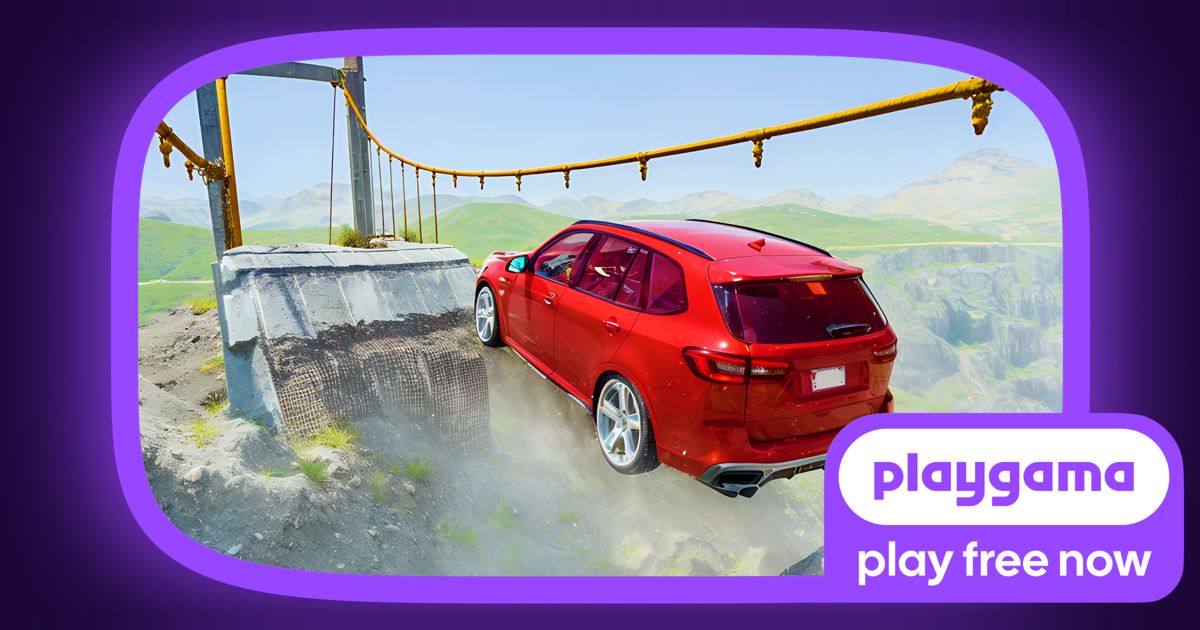
More ways to drive around a city

Frequently asked questions
Why is the game still asking me to press L?
L locks the cursor for mouse look. The prompt remained while we walked with W, so you can test movement first and use L when you need to turn the camera.
Which key gets me into a car?
The Playgama control list assigns F to entering a vehicle. Walk up to a car before trying it. Our opening test followed the marker on foot.
What opens the shop?
The hint at the lower right shows Tab for the shop. Click into the game first if Tab is moving focus around the web page.





Find another game to play
Explore more racing, puzzle, and sports games, or pick one at random.


