
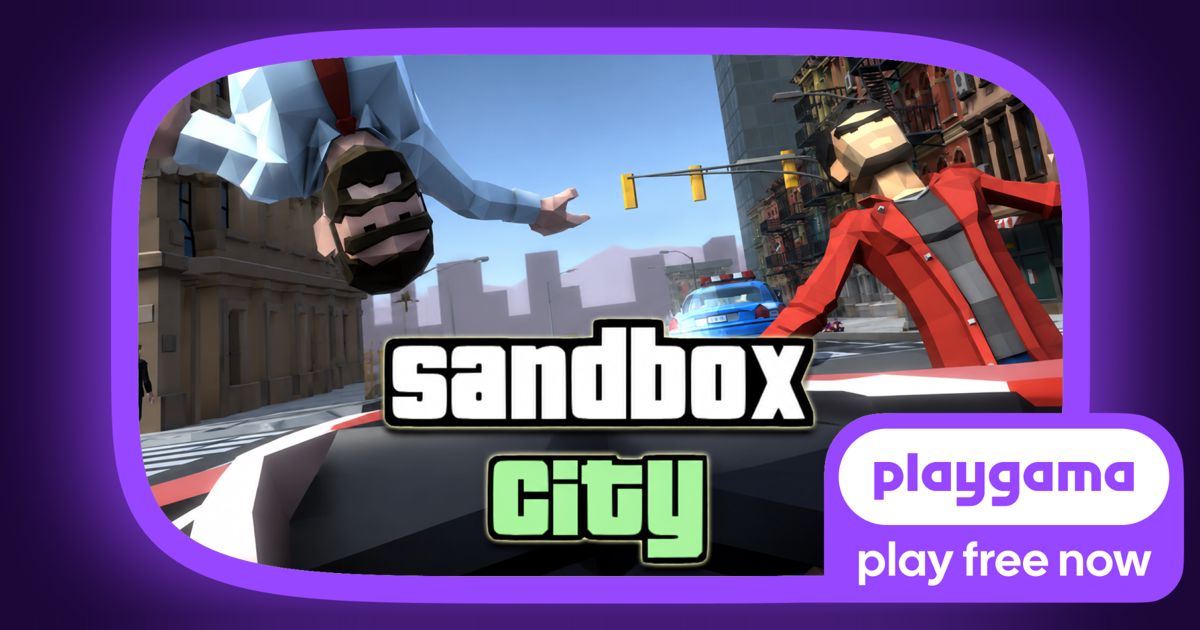
- Developer
- Yilmaz Kiymaz
- Devices
- Desktop, phone and tablet
- Category
- Action
- On Browser Game Hub
- Play here
The opening dialogue and movement tutorial were tested in desktop Chrome. Playgama also lists touch controls.
Game overview
The opening camera stops for dialogue before giving you control. Keep clicking the blue arrow until your character is standing on the street and the WASD prompt appears.
Watch gameplay
Leave the garage and finish the first movement prompt
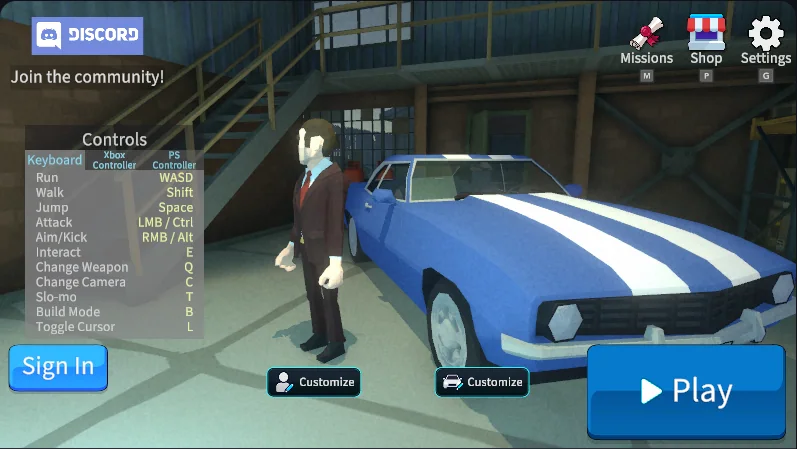
Start from the garage
Select Play at the bottom right. Click the blue arrow as each opening line finishes.
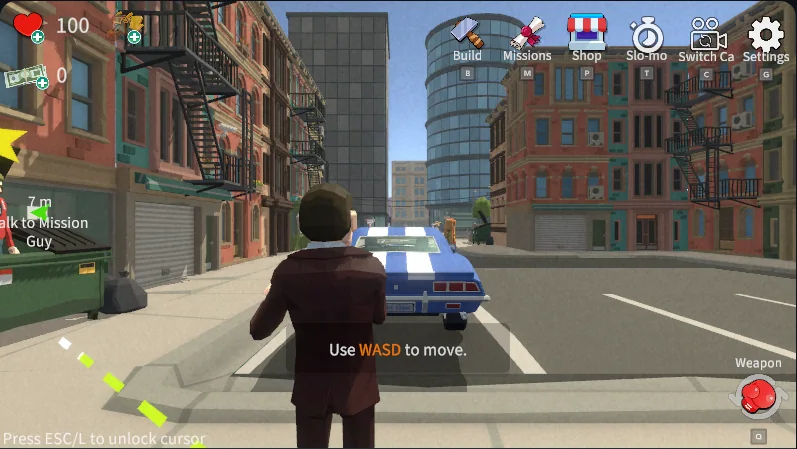
Wait for Use WASD to move
When the dialogue finishes, the third-person camera takes over. Press W and look for the label to the left of the blue car.
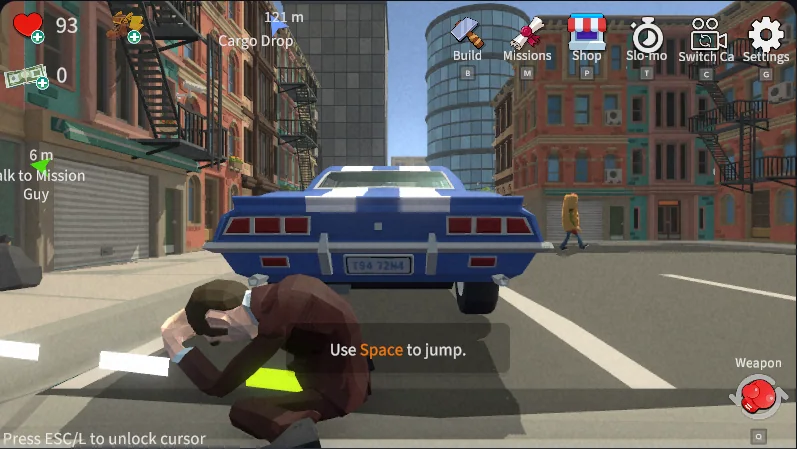
Read the next prompt after you move
Our first movement advanced the text to Use Space to jump. Press Space on foot when you reach that step.
Jump and walk toward the contact
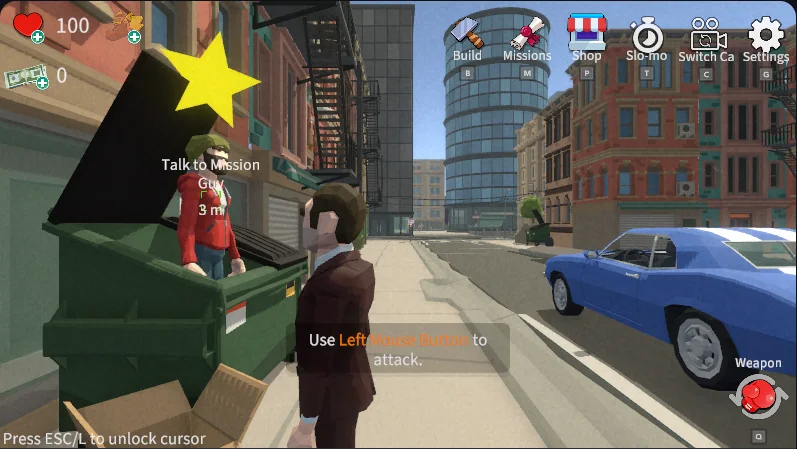
We pressed Space and the tutorial switched to Left Mouse Button. Moving toward the green marker brought us to 3 m from the man beside the bins.
Look left of the blue car for Talk to Mission Guy. The meter reading helps when the label is partly off screen.
Use the tutorial prompt to tell when you have control
The opening has a different prompt for dialogue, walking and jumping
We selected Play in the garage and advanced the text boxes with Click to Continue. The tutorial then put the character in third person by a blue car, with Use WASD to move across the lower part of the screen.
Holding W changed the tutorial prompt to Use Space to jump. The green Talk to Mission Guy marker was still to the left and had dropped from about 7 m to 6 m in the two shots. That label gives you a nearby destination once the movement tutorial advances.
Space advanced the lesson to the left mouse prompt. Walking toward the left curb put the mission contact and his yellow star in view at 3 m.
Before moving and after the first input
The next line asks for Space. The Mission Guy marker is about 6 m away.
After Space and a short move toward the left curb, the contact is in view.
Other city games for your next run

Frequently asked questions
WASD does nothing while the portrait is on screen. What now?
Click the blue arrow on the dialogue box as each line finishes. The desktop movement prompt appears when the third-person tutorial is ready.
How do I find the first contact beside the car?
Look for the green Talk to Mission Guy marker to the left of the blue car. The distance below it helps you tell whether you’re getting closer.
What key interacts with cars and objects?
The garage controls list E as Interact. Playgama uses E for getting in and out of cars and for interactions. Use the on-screen movement prompt first if you’re still in the opening lesson.





Find another game to play
Explore more racing, puzzle, and sports games, or pick one at random.


