
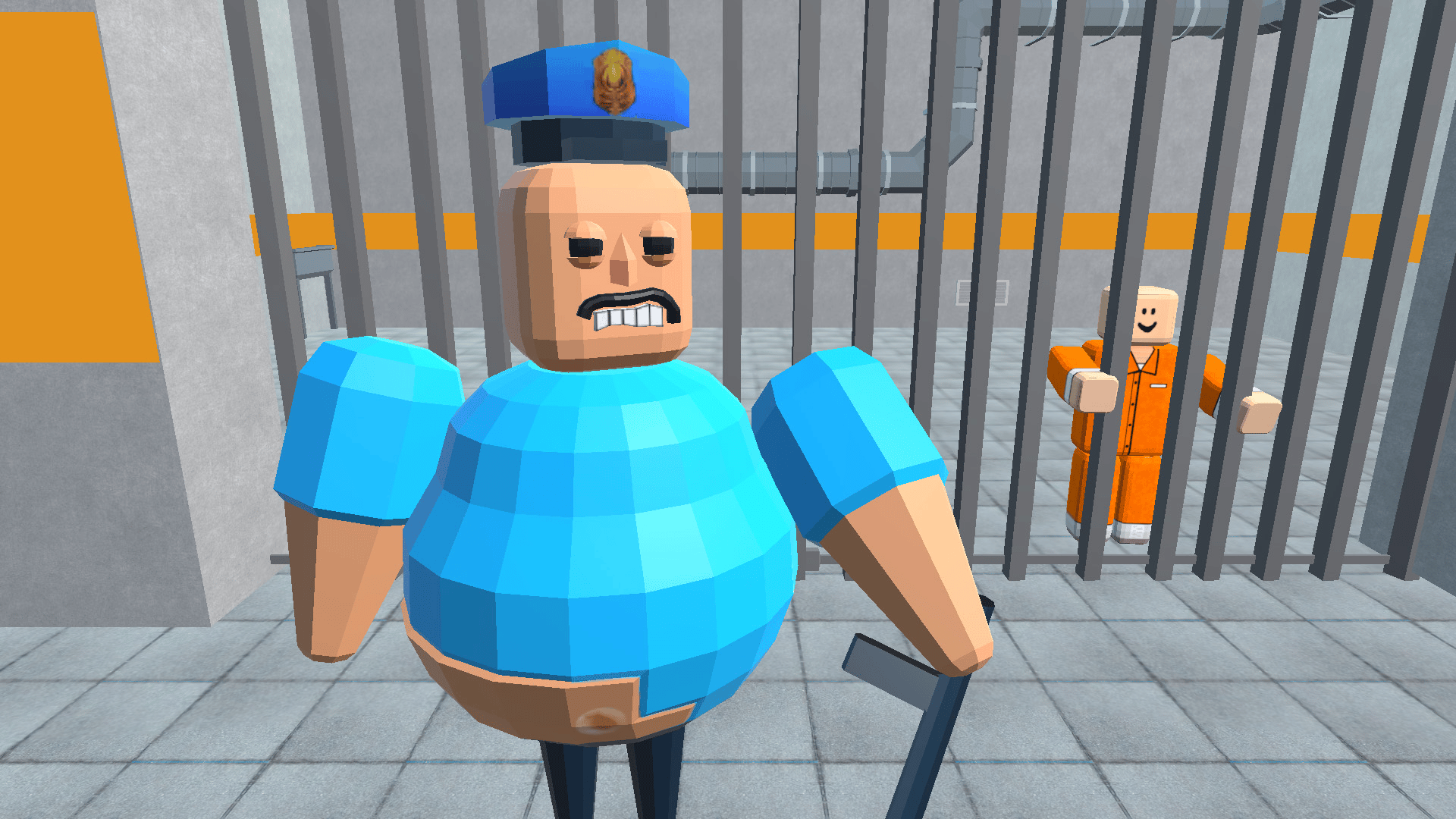
- Developer
- Nepochat
- Devices
- Desktop, phone and tablet
- Category
- Adventure
- On Browser Game Hub
- Play here
The player loads automatically when you open this page. The game may show its own controls guide or ads.
Game overview
Focus the game, walk to the barred door with W, then combine A and Space. Barry moved to the left of the bars and rose above the bulletin board in the desktop test.
Watch gameplay
Practice Barry's first diagonal jump in the cell
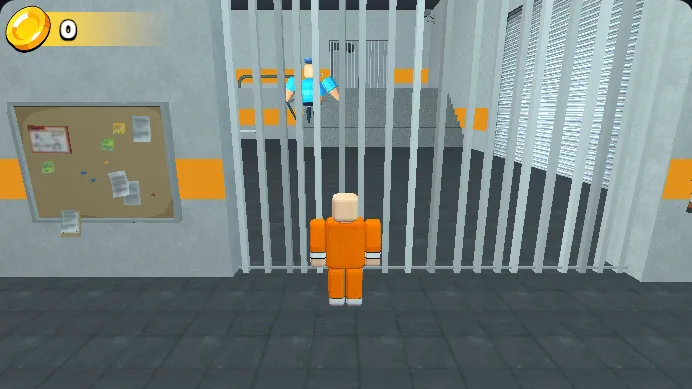
The noticeboard is on the wall to his left. Walk up to the bars
Click inside the player and hold W until Barry is in front of the door. Use the center bars and the noticeboard to the left as references before pressing another key.
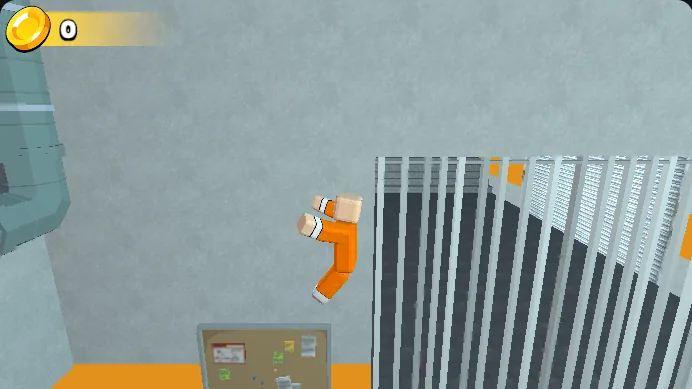
This jump exercises steering in the starting cell. Press A and Space together
Try a short left jump from the bottom of the bars. In the test Barry rose above the noticeboard while moving left. Look back to the floor to see where he will come down.
Use the bulletin board as a height reference. Turn the view toward the landing while you're stationary so you can tell where the next movement key will take you.
Line up the camera before leaving a ledge
Use the first cell to separate height from direction
Before trying a narrow landing, see how Barry's movement works beside a familiar object. Press W until the bars are close, stop, then use A with Space. The bars show the horizontal shift and the bulletin board gives you a height reference. The desktop attempt confirmed movement and jumping in the cell. We did not reach the escape route beyond it.
More platform games with visible landing targets

Frequently asked questions
How should I line up for a narrow platform?
Turn the camera toward the platform before you jump. Start with Barry near the center of the ledge and aim for the middle of the next one.
Use the cell to compare a jump from a stop with a leftward jump. Once you reach a narrow platform later, observe whether Barry is landing short or drifting off its side. Adjust where you take off for a short jump. If the height was fine and the problem was sideways drift, correct the direction first.
When does Shift help?
Shift is the documented jetpack input when you have the jetpack. Space is the ordinary jump available in the opening cell.
If an obstacle looks too high for your current jump, check the game's current route and any item prompts. Enter is the listed interaction key. The airborne cell photo was taken using A and Space, without testing an item or jetpack.
Barry moved the wrong way after I turned the camera. What should I check?
Stop on the cell floor and put the bars back in view. Test W from there before changing the jump input.
The bars give you a stable reference even after you move the mouse. Get to a place where the noticeboard is still visible on the left, move a little, and watch where Barry goes relative to both landmarks. If the next obstacle is narrow, make the camera turn and takeoff two separate actions so you can fix the part that sent you sideways.
Should I chase a coin off the side of a landing?
Check where you can come down after taking it. Along a narrow obstacle, save the detour for a jump whose landing you already understand.
Use the coin count at the upper left to check a pickup, and wait for Barry to come down before looking for the next line. The two cell pictures show zero coins and demonstrate steering only. Tab is the documented menu key if you need a break before trying another obstacle. The publisher recommends a landscape view with the in-game controls on touch.
Can I play Barry Prison cooperatively?
This browser version is a single-player obstacle course.








Find another game to play
Explore more racing, puzzle, and sports games, or pick one at random.


