
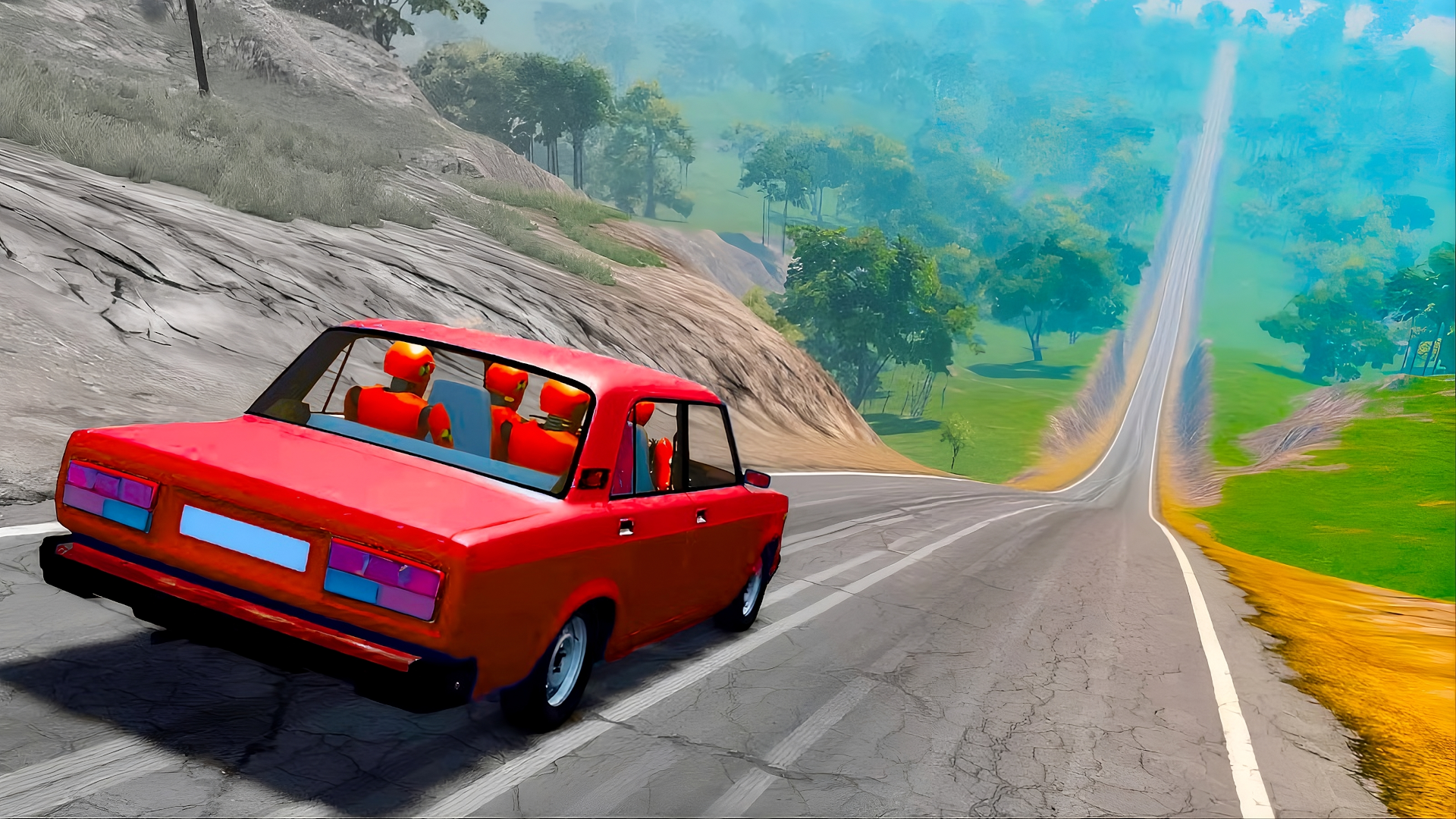
- Developer
- Andrey Melnikov
- Devices
- Desktop, phone and tablet
- Category
- Racing
- On Browser Game Hub
- Play here
The player loads automatically when you open this page. The game may show its own controls guide or ads.
Game overview
Dismiss the keyboard card and hold Up to leave the grid. The first straight gives you room to read the speedometer and look down the road before committing to a line. Our test reached 46 km/h in first gear.
Watch gameplay
Drive the opening slope in Deadly Descent
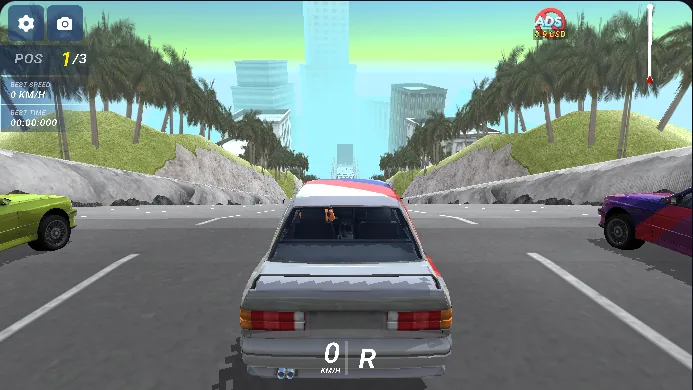
The speedometer reads 0 km/h after the card closes. Clear the keyboard card
Press and hold the mouse on OK. When the card clears, look for the grey car at the centre and the zero at the bottom.
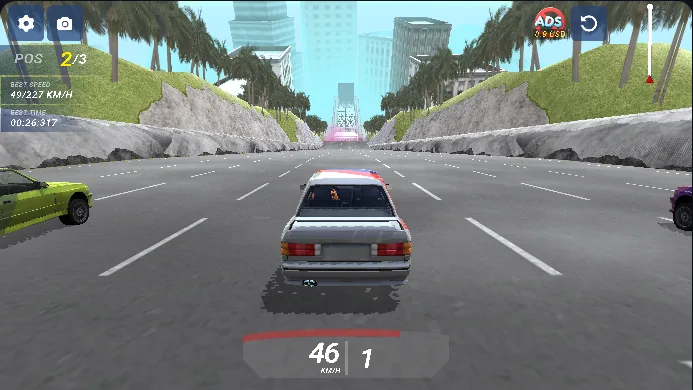
The first-gear reading confirms that the car is moving under power. Hold Up down the opening straight
Stay on the opening lane long enough to check the reading. The car advances downhill and the gear indicator changes to 1.
Pick an exit beyond the obstacle before you accelerate through the opening.
Sight lines on the descent
Read the gap and the road beyond it
The opening camera looks down a wide slope framed by pale retaining walls. Get moving in the middle and look past the cars beside you. In the desktop run the grey car went from 0 to 46 km/h with Up held. That is a useful input check before the road asks you to steer, and it only covers the opening straight.
Use the lane markings as a reference. If the car starts crossing a line before you reach the gap you picked, trim the steering early. That gives you a chance to straighten the car while the paved space is still wide.
More downhill and off-road driving
Frequently asked questions
What if the keyboard card stays open?
Hold the mouse on OK until the card clears. Once the speedometer is visible, hold Up and check whether its reading rises from zero.
A quick tap can leave you staring at the instruction overlay. If the page scrolls after the card is gone, click the game area to give it keyboard focus, then try Up again. Use the road moving underneath the car and the speed reading together.
Where should I choose my line on a narrow descent?
Choose a gap you can leave facing down the road. Start slowing on the wider approach so you have time to turn.
The controls list Down or S for braking and C for changing view. Try changing the view before the narrow stretch if you are losing track of the front of the car. When a collision ends a run, remember a landmark before the crash and start slowing there on the next attempt. Compare the best distance on the same track to judge whether the change helped.
Why does the first screenshot show R and then 1?
R and 1 are gear labels. The launch has a speed of zero, then first gear appears when Up sends the car forward to 46 km/h.
Judge the input by the two readings and the road together. The first image fills much of the lower frame with the grey car, and the second shows more of the lane between the car and the distant lights. If the camera angle alone changes, the speed may still be zero. The top-left POS label describes the current on-screen position and can change while you accelerate.
Does passing the cars beside me matter more than getting farther?
Use the track's best distance and the finish as your benchmarks. The HUD shows position during the run, while the track records how far you make it down.
For two attempts, note the last landmark you pass without another hit. If a manoeuvre moves you ahead for a moment but points the car straight at the next obstacle, take a wider exit on the next run. Compare your farthest distance on the same course before you decide which line to keep.
Does Deadly Descent require a fast finish?
The goal is to reach the end with the car intact enough to keep driving. The track’s record measures your farthest distance, so a run that stops early can still improve it.
Can I race a friend in the same car or track?
Each run has a single driver. The track leaderboard compares recorded distances with other players’ results.
How do I get a different view of the road?
Press C on a keyboard to switch cameras. Try another view before a tight section if you are having trouble judging the front of the car.



Find another game to play
Explore more racing, puzzle, and sports games, or pick one at random.


