
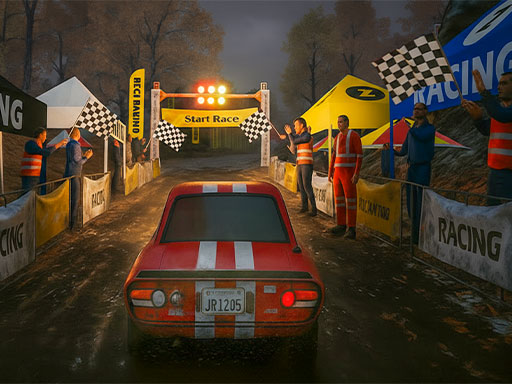
- Developer
- Terafort US LLC
- Devices
- Desktop, phone and tablet
- Category
- Racing
- On Browser Game Hub
- Play here
The player loads automatically on this page. The provider controls the in-game menu and any ads shown in the player.
Game overview
Use the hub's Fullscreen button if PLAY is clipped. Choose the default Iron Crusher and Sunny Dream. Holding Up took the blue car from zero to the 82 KM reading with car health at 100%.
Watch gameplay
Open the full Rally Race Pro menu and drive Sunny Dream
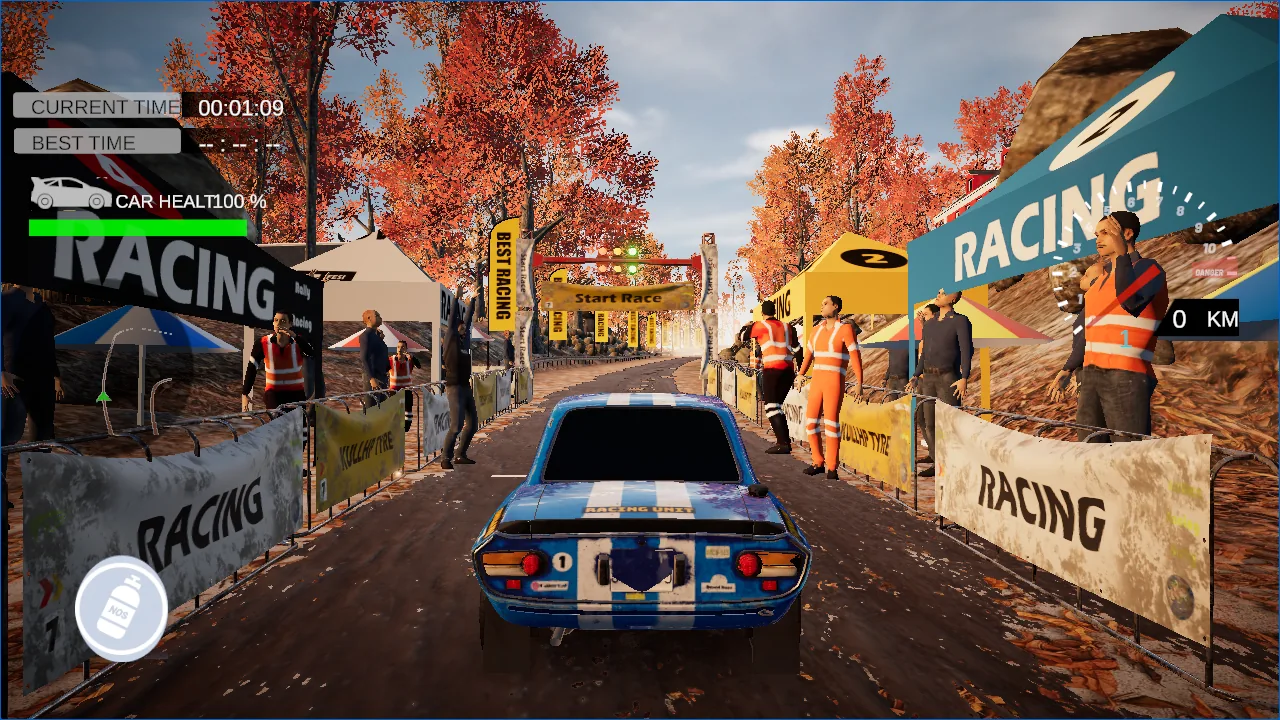
The full display shows the timer and car-health bar on the left. Reveal PLAY in Fullscreen
The inline player clipped PLAY on our desktop. Use the hub's Fullscreen control, choose Iron Crusher and Sunny Dream, then find the blue car at the start.
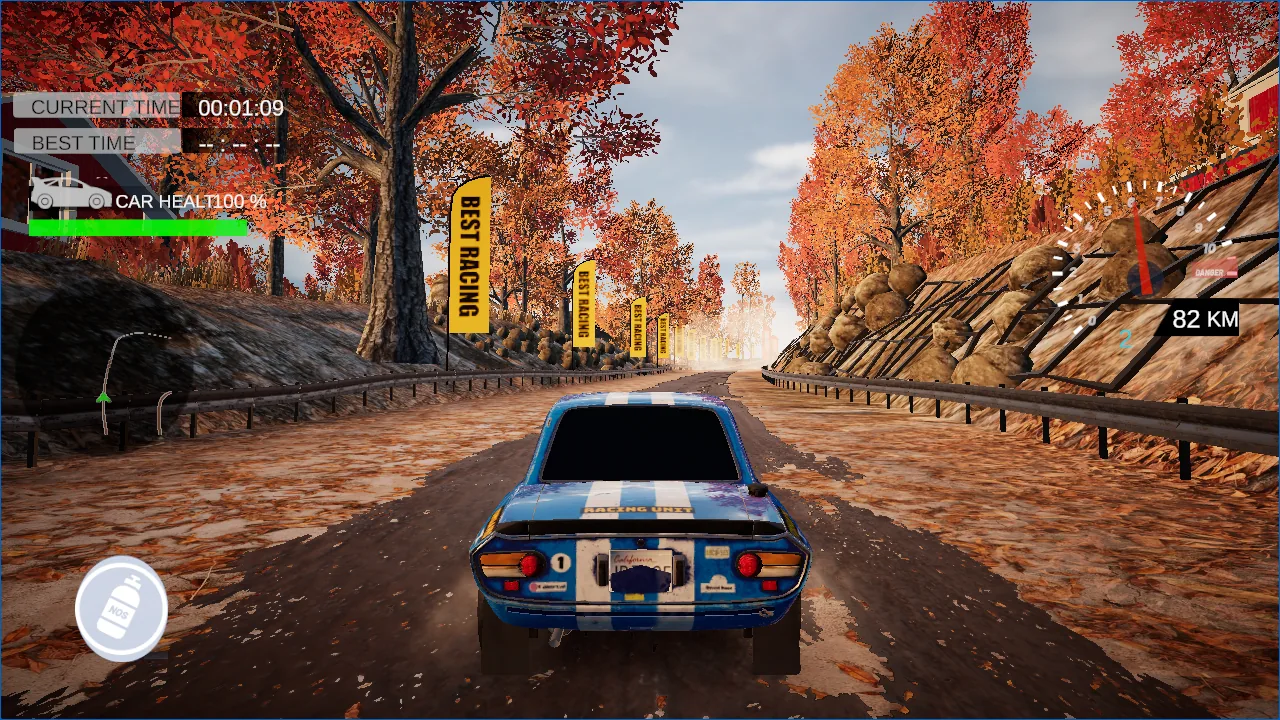
Car health reads 100% in both pictures. Follow the dirt road with Up
Hold Up and keep the car between the barriers. Check the right-hand speed reading and the left-hand health bar.
Use the health bar as a second reference before judging a faster run by time alone.
Fullscreen and dirt-road checks
Start where you can see the entire menu
PLAY was clipped in our inline desktop view. The hub's Fullscreen button exposed the controls we needed to pick the default Iron Crusher and the first course, Sunny Dream. On the start screen the blue car sits between banners and barriers. Hold Up until it passes the opening spectators. The readout rose from 0 to 82 KM while health stayed at 100%.
More speed and handling practice
Frequently asked questions
Which numbers are useful before I turn?
Find speed on the right and CAR HEALTH on the left. Remember roughly where you started slowing if the road narrows ahead.
Use the trees, signs or start banners as fixed reference points. Repeat the approach at a slightly lower speed if a bend takes you to the outside barrier. Our fullscreen check covered the first straight, so use your own corner and lap result to assess the change.
How can I compare a setup change?
Drive the same course with the same car and change one setting. Pick a lap that took a similar line and compare the recorded times.
The controls list Space for the handbrake. If you want to test it as well, make it the one change on a separate attempt. Watch whether the car comes back into line before you add more power.
Which on-screen time should I compare?
Compare the same completed course and lap using the game's recorded time. CURRENT TIME and BEST TIME are distinct readouts on the left.
Both of our early captures show the same CURRENT TIME reading of 00:01.09, though the speed changes from 0 to 82 KM. Use the pictures for launch and health feedback. On a new run, watch the clock as you pass a common landmark, then record the lap result once it has updated at the finish.
What part of the dirt road should I aim at?
Follow the open strip between the barriers and point the car along the road before adding throttle. In the opening, the crowd barriers give way to trees and a rocky shoulder.
On the second run, pick a sign near the approach to the first rough bend. Release throttle or begin braking at the sign and see how far you drift across the lane. If the car is still pointed across the road after the bend, wait to accelerate until you correct the heading.
Do I need to join an online lobby?
The game is a single-player rally racer. You can work on the course and your lap time by yourself.
Where is the handbrake on a computer?
Press Space. Try a short press for a tight corner instead of holding it through a whole bend.




Find another game to play
Explore more racing, puzzle, and sports games, or pick one at random.


