
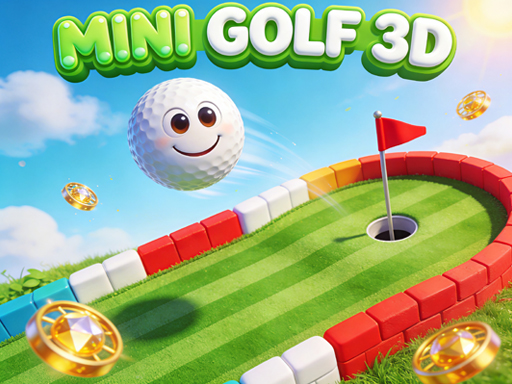
- Developer
- Mapi Games
- Devices
- Desktop, phone and tablet
- Category
- Sports
- On Browser Game Hub
- Play here
The player loads automatically on this page. The provider controls the in-game menu and any ads shown in the player.
Game overview
Hold the ball, drag back, and release when the orange dots point at the cup. The straight par-2 opener makes it easy to see which part of the drag controls direction and which part controls power. Our desktop shot went in with two gems collected.
Watch gameplay
Play the first hole in Mini Golf 3D
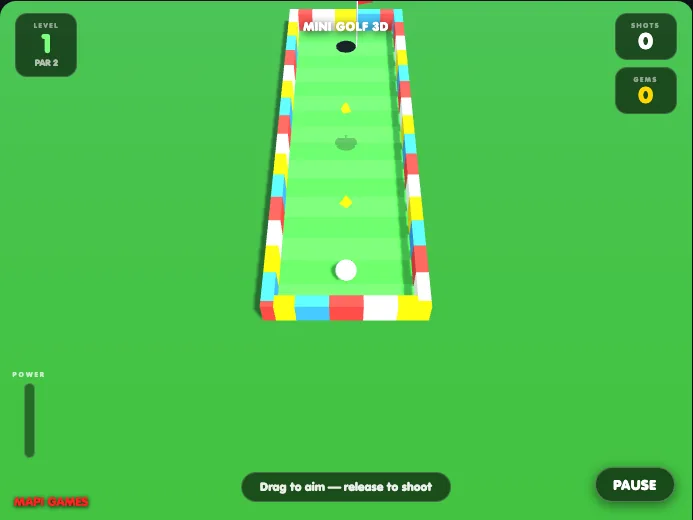
The first hole is marked par 2. Open the first hole with New Game
Move the pointer onto the white ball at the near end of the lane. The prompt says to drag to aim and release to shoot. Shots is still zero before the first release.
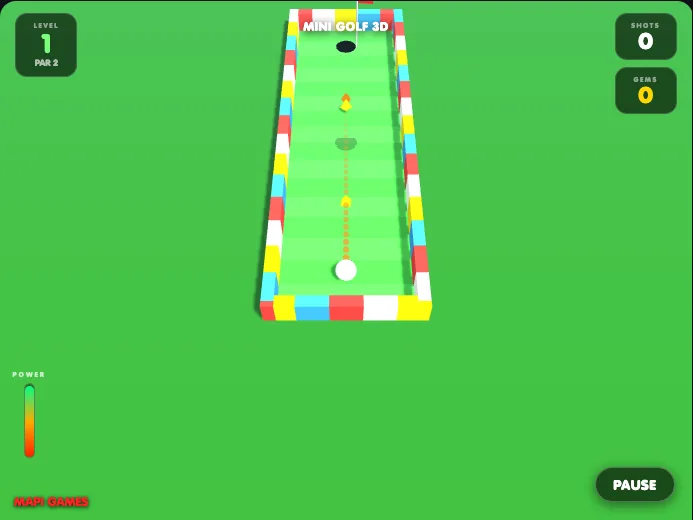
On this opening lane the two gems, the ball, and the cup are almost in one line. Line up the orange dots down the middle
Press on the ball and drag toward the bottom of the screen. The dots extend toward the cup, and the power meter fills at the lower left. Adjust the line a little at a time, then release and watch the full roll.
Change one part of the drag at a time. Fix the angle if the dots skim one side of the cup. If the line is good and the ball rolls past, shorten the next pull.
Diagnose a missed putt
Read the first-hole scorecard
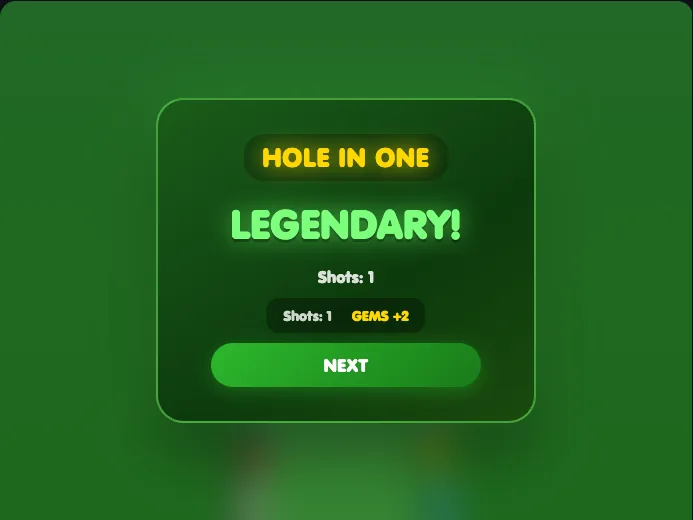
The shot total and gem reward are shown separately.
Read the far end of the aiming line
The opener is straight. Your ball starts at the near end, the black cup sits at the far end, and two yellow gems lie in between. As you aim, look at where the orange dots point near the cup. A line that looks centered just ahead of the ball can still end up pointing at a colored rail.
Begin with a short drag to make sure you have hold of the ball. Shots stays at zero while you are aiming. Once the angle looks right, pull back a little farther before letting go. Follow the ball for its whole roll so you know where the path and your aim first part ways. This desktop run covered the first hole. The later obstacles below follow the game's stated rules.
More games for aim and timing
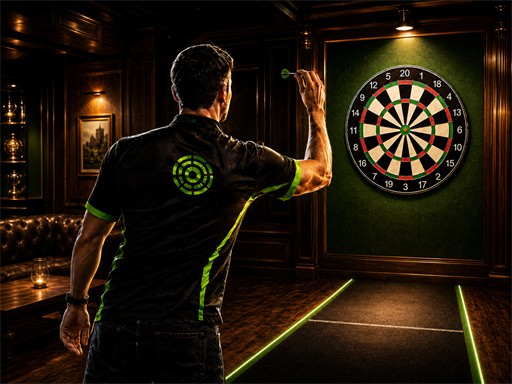
Dart Duell: Timing Champion
Try the two clicks in Dart Duell if you like timing a release. One sets your aim and the next stops the power meter.
Play this game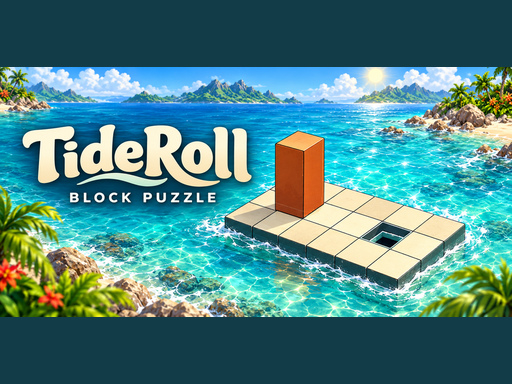
TideRoll: Block Puzzle
If you like planning the route before committing, TideRoll gives you a tile-by-tile puzzle with a block that changes orientation.
Play this game
Frequently asked questions
Why does the ball go up the screen when I drag down?
The drag pulls back from the ball and sends it the other way. Follow the orange dots to see where the shot will go.
On hole 1, hold the white ball and drag down toward the near edge of the screen. The dots should extend away from the pointer toward the cup. Check the line next to the ball, then see whether it points at the middle of the cup at the far end. A small sideways adjustment while holding the mouse will swing the line. Make that adjustment before adding more power.
If you get no dotted line, check what screen you are on. Tap to Play opens the menu, and New Game loads the course. The shot starts once you can see the ball on the fairway with the power meter at the lower left. Start the drag directly on the ball.
The putt missed the cup. Should I change aim or power?
Watch where the ball first passed the hole. A roll past one side calls for an angle adjustment. If the path crossed the center and ran long, shorten the next drag.
A small error at the tee can look much bigger at the far end. If your last ball went by the right side, correct the angle first and keep the pull about as long as it was. You can then tell whether moving the line helped. Changing power at the same time makes it harder to tell what went wrong.
Once the ball stops near the cup, aim from its new position. The camera and the useful distance have changed. Try a smaller pull, look for some movement on the power meter, and release with the dots still on the cup. The hole-in-one clip shows one pull that worked on the opening straight. A ball sitting a short roll from the cup needs a different pull.
Where should I aim when a turn or hazard blocks the line?
Aim for a place that leaves a clear second shot. On a corner, open ground with a view down the next leg is a good first target.
Trace the planned route before you pull. The cup may be close across the corner while the playable lane turns away from it. Look for the first rail your line would hit. If you are unfamiliar with the bank angle, first roll to the wider part of the turn. A sensible second shot also starts with enough room to line the ball up in the new direction.
Sand slows the ball. Water costs an extra stroke. Look for dry ground you can reach without crossing the full hazard. A detour costs a planned shot and gives you a clean lie to work from. Apply the first-hole drag to the new target and change the pull based on the distance you see.
What do Shots 1 and Gems +2 mean?
Shots 1 is the number of strokes on this hole. Gems +2 is the reward from the gems collected on that roll. The Hole in One card appears after the ball drops.
Both gems were on the same line as the cup in our opener, so the same putt earned them while finishing the hole. On a later course, decide whether the next stroke is for the cup or for a gem that pulls the line away from it. For a gem route, look for where the ball can safely stop after picking it up.
Before you choose Next at the bottom, compare your shots to the par on the course. We used one stroke on the par-2 opener. Set up the next putt from the new tee and cup positions.
How many holes does Mini Golf 3D have?
The publisher lists more than 40 levels with increasingly challenging layouts.
What do I do with the gems?
Collect gems as you play to unlock balls in other colors.
Does a ball in sand cost a stroke like a ball in water?
Sand slows the ball. The publisher identifies water as the hazard that adds a stroke.




Find another game to play
Explore more racing, puzzle, and sports games, or pick one at random.


