
- Developer
- Hamid Games
- Devices
- Desktop and landscape touch
- Category
- Arcade
- On Browser Game Hub
- Play here
Level 1 was tested with a keyboard and with touch in a landscape phone emulator.
Game overview
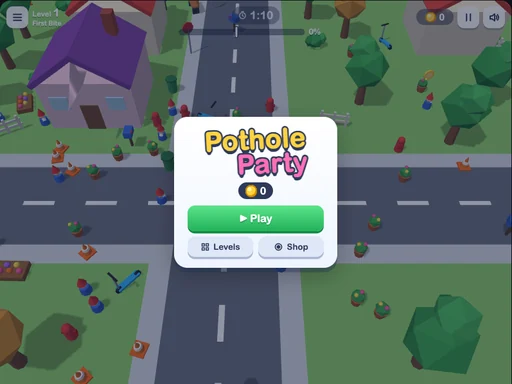
Level 1 starts at a crossroads with a 1:10 clock and a goal of eating 45% of the map. Drive the hole over small objects to grow. The props beside the road give you several targets without a long trip.
Watch gameplay
Get your first bite
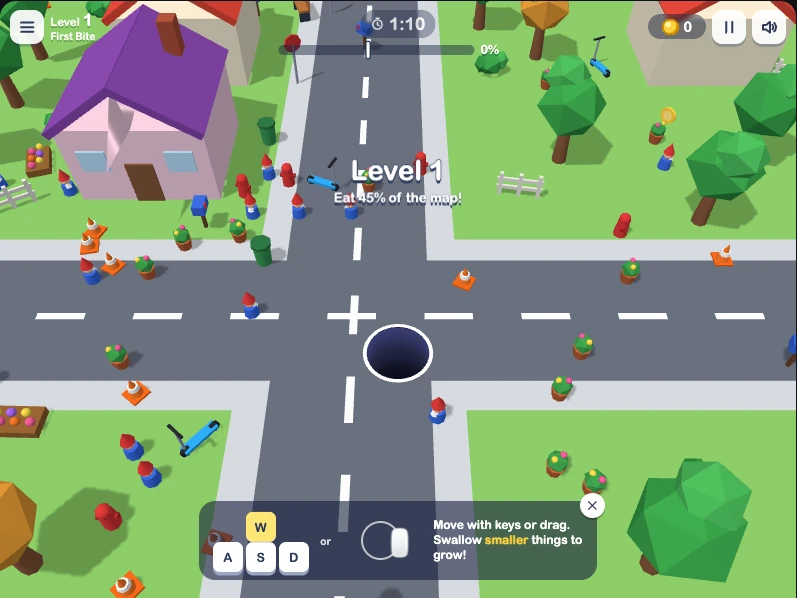
The 45% target sits beside the timer. Find a cluster near the crossroads
After starting First Bite, look along both sidewalks. The orange cones stand out against the road and the nearby lawn has several small props you can line up on one pass.
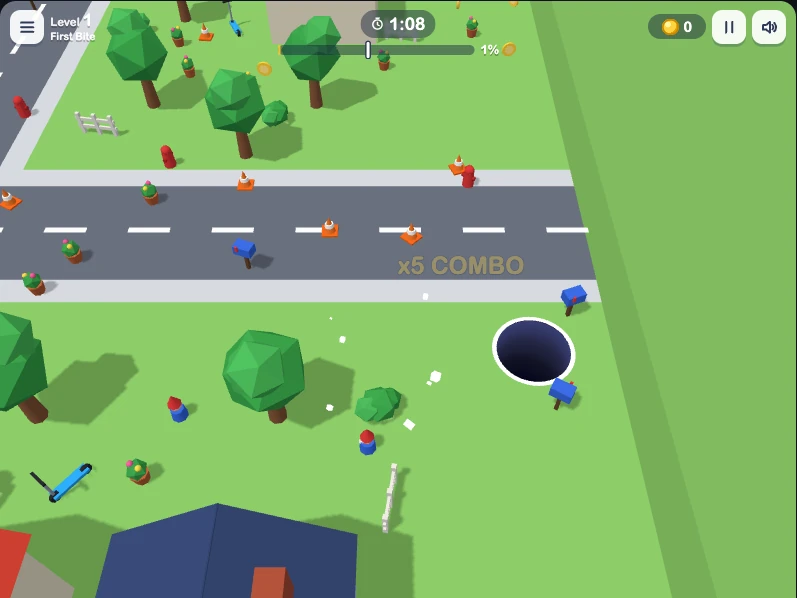
The combo appeared just beyond the curb. Bring the rim under a prop
From the crossroads we held S and D together for about half a second, then kept D down for nearly two seconds. The hole crossed the grass on the lower right. The meter reached 1% and the screen flashed ×5 COMBO.
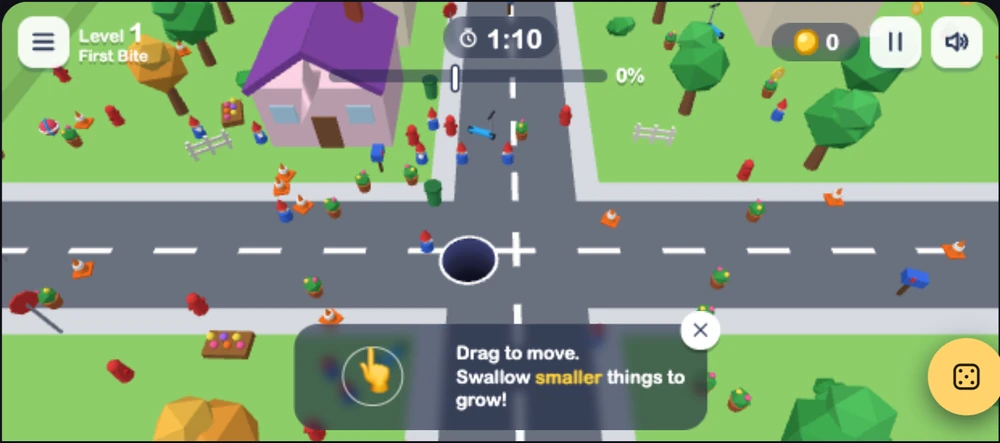
The drag worked with the phone emulator turned sideways. Drag across the play area on a phone
Turn your phone sideways. Put a finger on the playing field and drag toward a nearby group of props. Use a short second drag to adjust where the hole crosses the curb.
Steer across the object’s base. When a prop slips in, look for the white sparkle around the rim.
Read the curb before you turn
First Bite before and after the curb run
The round opens at 1:10 with a 45% target.
Crossing the grass by the curb brought up ×5 COMBO and moved the meter to 1%.
Pick the next object within a short turn
Look down the curb from the hole’s current position. If there are several small props ahead, follow the line for a moment. Turning only when you have another object in sight makes it easier to avoid running into an empty patch of road. The game asks you to swallow items smaller than your hole, so save the bigger shapes for when the opening has grown.
I would take the same curb again on a second attempt. The five-item combo at 1% gave me an easy way to compare two opening routes. If the pickup counter barely moves and the road ahead is clear, cut across to the next group while the hole is still small.
More overhead and cleanup games
Frequently asked questions
Which way should I take from the First Bite crossroads?
Try the lawn down and right from the starting crossroads. We held S and D together for about half a second, then D alone for just under two seconds. We caught a run of small props and got a ×5 COMBO. First Bite gives you 1:10 to swallow 45% of the map, so use that patch to get moving before you look for the next cluster.
How can I tell whether a prop went in or got stuck at the edge?
Watch the prop disappear into the opening and look for pickup feedback. If a prop stays visible on the edge, move the opening under something smaller. Save wider objects for another pass once the hole has grown.
Why do I have a ×5 COMBO when the map meter says 1%?
The combo records the quick string of pickups. The meter tracks the share of the map you've swallowed and is the one to watch for the 45% target. Our first combo moved the meter to 1%. Once those props are gone, go along the curb to the next cluster.
How do I retry from the same crossroads?
Press R on desktop and check that the timer returns to 1:10 with the 45% target. To compare two openings, restart and follow the other sidewalk for the same short stretch. See which one brings up the first pickup or combo sooner.
Do I tap or drag to move the hole on a phone?
In our landscape phone emulator, dragging inside the playing field moved the hole from the center toward the left. Start with a drag toward a cluster. Use a shorter second drag near the curb to bring the opening directly under a small prop.





Find another game to play
Explore more racing, puzzle, and sports games, or pick one at random.


