
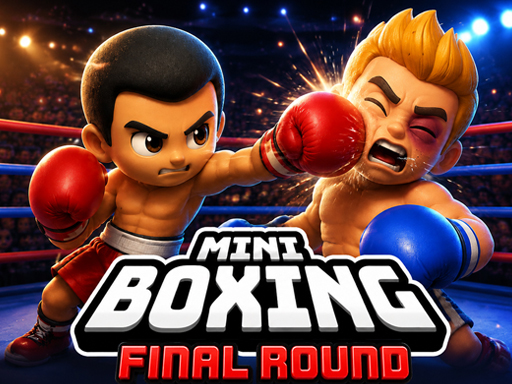
- Developer
- Mapi Games
- Devices
- Desktop, phone and tablet
- Category
- Fighting
- On Browser Game Hub
- Play here
The player loads automatically on this page. The provider controls the in-game menu and any ads shown in the player.
Game overview
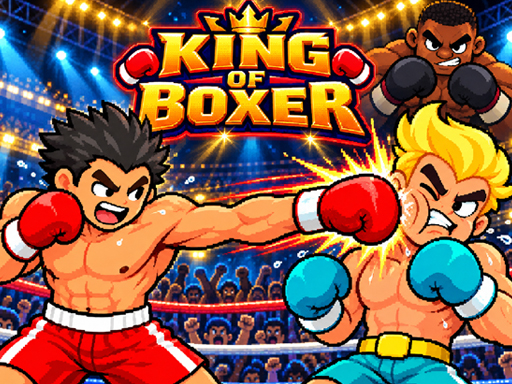
Start Level 1 against Jack Tuft. Once his gloves are close, try Z for a jab and X for a straight. In the desktop bout, the straight produced an impact and −5 over Jack.
Watch gameplay
Land a straight on Jack Tuft
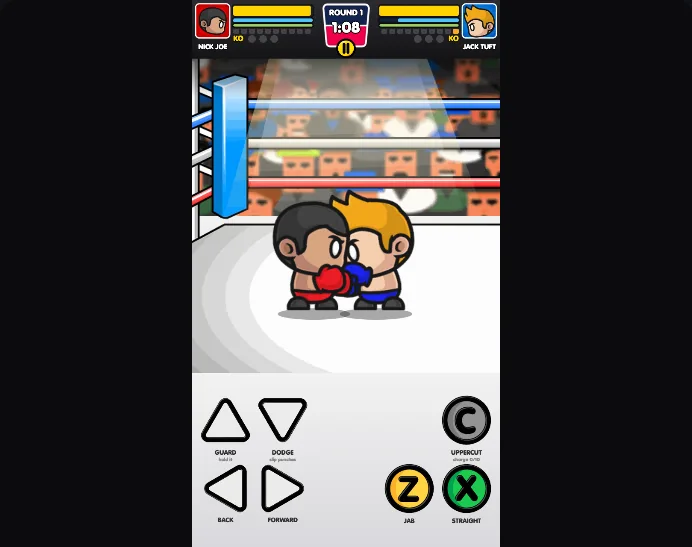
The screenshots are from the first round. Find the close stance against Jack
Pick Jack Tuft and start Level 1. Close the gap with horizontal arrows or wait for him to walk in. The round timer and button panel stay visible.
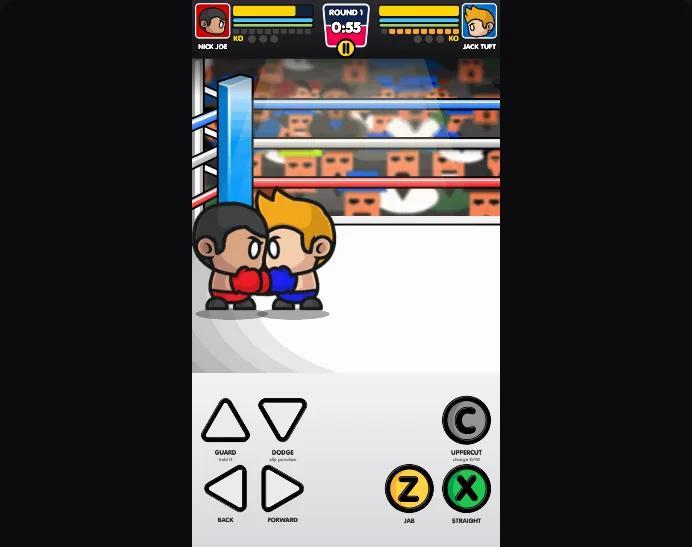
We tried the on-screen jab and keyboard straight in this opening. Get a look at the jab distance
Tap the Z Jab button while the fighters are close, then try X on the keyboard. Watch above Jack rather than the whole panel as the glove reaches him.
Keep your eyes on Jack’s head and HP after X. A damage number gives you a second sign besides the swing.
Check one punch at glove range
The number over Jack
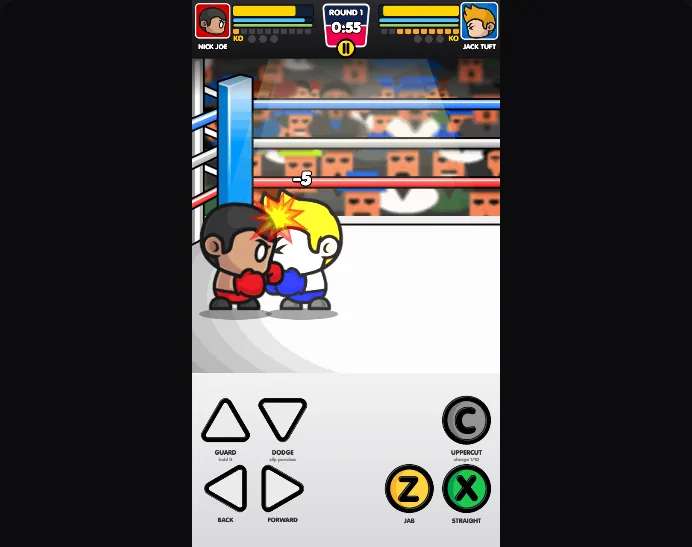
The number is hit feedback from the straight. The test stopped before a round result.
Choose a short check before an uppercut
In the first bout you can see where Jack’s head sits relative to Nick Joe’s glove. Try one jab from that position and recognize the space it covers. The pictured X input was made at close range and brought up a yellow impact plus −5. If you try the same punch much earlier in Jack’s approach, watch how far the glove falls short before trying it again.
The game assigns C to the uppercut. Practice a jab or straight after Jack finishes a punch first so you can time a shorter reply. Holding W or Up keeps the guard active while you watch for that opening. S or Down is the separate dodge input in the game documentation.
More first bouts to practice
Frequently asked questions
What do I look for if Nick Joe goes down?
On desktop, use repeated Space presses when the knockdown recovery cue appears.
The game gives touch players a recovery control on screen. After getting up, read the distance again before using a punch. The photographed opening covers close-range striking, so the recovery input comes from the game instructions.
Can I tell which fighter took the −5?
Look at where the number appears. In the straight screenshot it is over blond, blue-gloved Jack Tuft on the right.
At glove range the fighters overlap. Their glove colors and positions help distinguish the target from the player. Focus on Jack’s side for one punch and see whether his hit flash and the number arrive together. If you are still walking toward him, wait until the fighters have stopped changing sides before trying to read a result.
What if my uppercut keeps getting interrupted?
Hold guard until Jack finishes a swing, then try a short jab before committing to the uppercut.
The game’s guard input is held W or Up, with S or Down for a separate dodge. If the jab reaches Jack after he recovers, you have a reference for the opening. Practise the same setup before trying C. The publisher describes six opponents, so recheck each one’s approach and recovery rather than assuming Jack’s window is the same across the ladder.
How many opponents are in the championship?
The publisher describes six boxing opponents in Nick Joe's championship run.






Find another game to play
Explore more racing, puzzle, and sports games, or pick one at random.


