
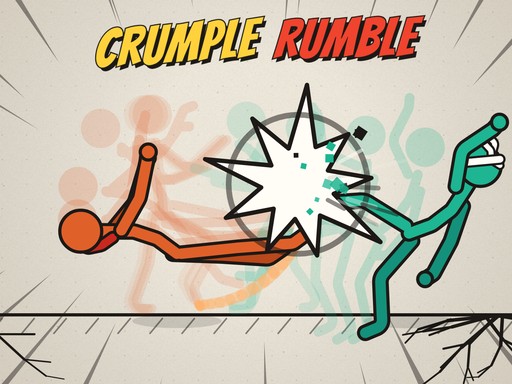
- Developer
- Hippocampia
- Devices
- Desktop, phone and tablet
- Category
- Fighting
- On Browser Game Hub
- Play here
The player loads automatically on this page. The provider controls the in-game menu and any ads shown in the player.
Game overview
The interactive tutorial gives the orange fighter a teal training partner. On desktop we held D to approach and pressed W to jump above the floor line.
Watch gameplay
Close the gap on the notebook floor
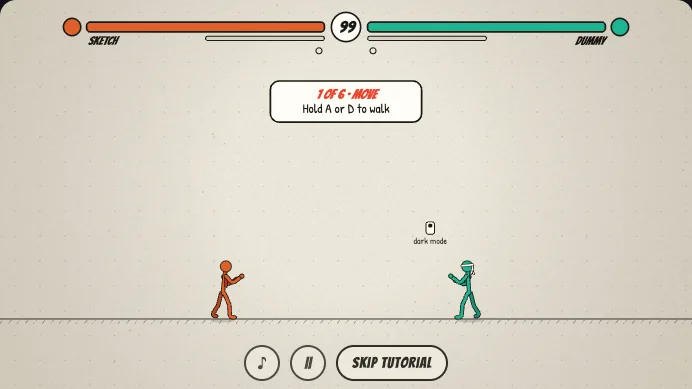
The tutorial starts with a wide gap. Find the walking prompt
Click into the arena and read 1 OF 4 — MOVE. The game asks you to hold A or D. Watch the orange fighter against the ruled floor line.
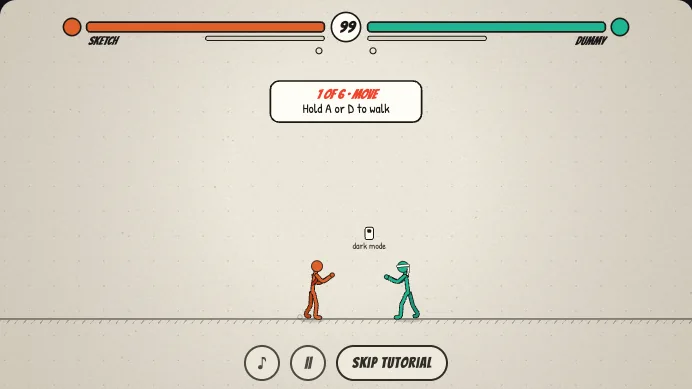
The two fighters are still under the opening movement prompt. Hold D and check the new distance
Release after the orange fighter gets closer to the teal one. Compare the space under the fighters’ feet before you add a jump.
Stop D when the space between the fighters has narrowed. Try W on its own to see where you rise.
Practice the approach before attacking
Two positions after the opening move
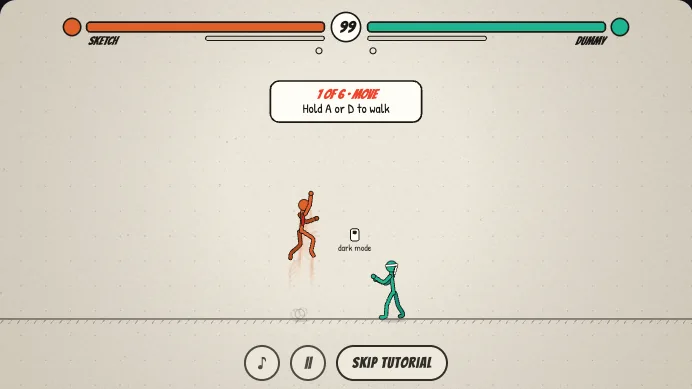
We verified the jump in the opening tutorial.
Use the ruled line to judge the jump
In the first tutorial, both characters stand on the same horizontal rule. Hold D and let the orange fighter close some of the space. Let go, then press W. The orange feet lift off the rule while the teal figure remains grounded. That gives you two clean checks before you try mixing in an attack. The screenshots cover movement and jumping in the tutorial.
The published solo keys put J, K and L on punch, kick and block, with Shift for dash and I for the special. When the drill advances, follow the next input in the center box. Use a short walk to reach range and try one attack before experimenting with a longer string.
More fighters with keyboard drills
Frequently asked questions
How do I judge a landing if the arena turns dark?
Wait for the opponent’s feet to come back toward the floor before you time the next attack.
The game describes a floating switch that lowers gravity. In that state the usual time between takeoff and landing can change. Watch the landing spot against the paper floor and leave enough room to meet it with one hit. This switch comes from the game description. The first tutorial photos show a normal jump.
How can I check movement if the tutorial still says MOVE?
Look at the distance between the orange and teal fighters and check the exact input the current prompt asks for.
D brought the orange fighter closer, and the panel in the screenshots continued to ask for A or D. Try a short move in one direction, let go, then test the other. Compare your feet against the ruled floor. W gave us a jump, while the completion state for the movement exercise was outside this test. If the keyboard does nothing, click inside the arena before trying a direction again.
Why are my solo attacks assigned differently in local play?
The game gives two people separate sides of the keyboard in local play. Open its shared-play controls before starting the match.
In solo, remember J for punch, K for kick and L for block. In local play, one fighter uses the left group and the other uses arrow keys and the right-side attack keys shown in the game. The developer also lists shared touchscreen play. Use one movement and one attack to confirm each player’s keys before going farther.
When is a paper finisher available?
The publisher describes a finishing window when the opponent is dizzy and the announcer calls for a finisher.
Until that call, watch the opponent and the power meter while using the normal attacks. If the opponent is still far away at the opening, move close enough to make one hit land before trying a special. The publisher says the move used for the final hit can change the paper animation. We did not reach that stage in the tutorial.
How is the Daily Challenge different from Survival?
The Daily Challenge has a changing twist. Survival keeps the bout going so you can see how long you last.






Find another game to play
Explore more racing, puzzle, and sports games, or pick one at random.


