GTA-Style Browser Games
Play GTA-style browser games for free. Pick a disc to drive around the city or take on missions.
Which GTA-style game should you play?
Pick the kind of run you want. These screenshots show what we reached while testing each game with a desktop keyboard and mouse.
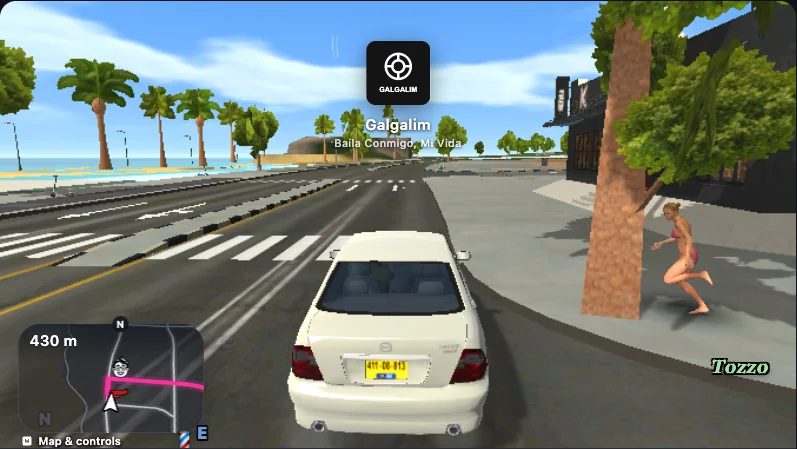
Coastal free roam
BayDay.io
Walk up to the white sedan and press F to get in. Hold W to drive along the beach, or press M to see the pink route to FED Up.
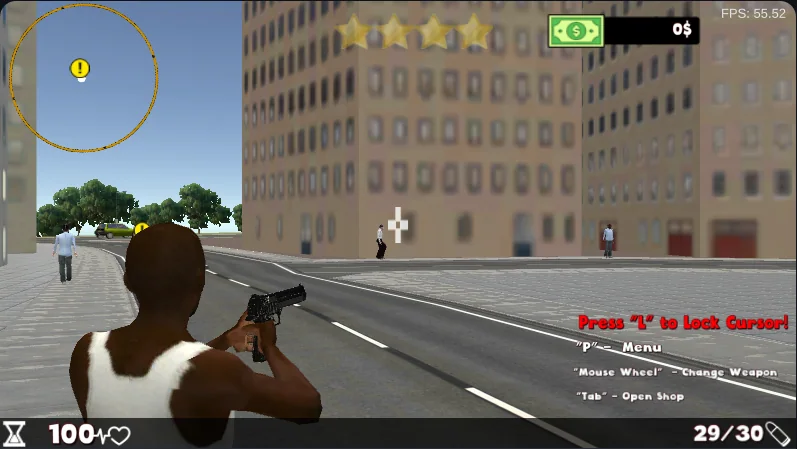
Radar-guided missions
Grand Shift Auto
Choose NEXT, then hold W to leave the park. The yellow exclamation mark on the radar points to a marker down the street on your left.
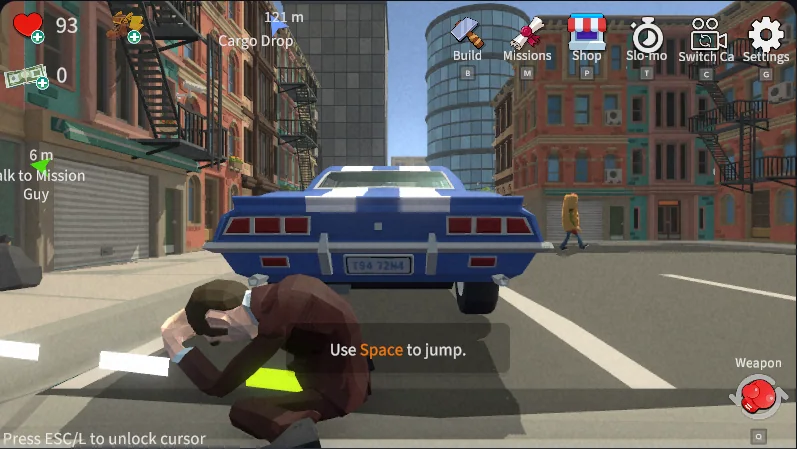
Street tutorial and mission contact
Sandbox City
Start from the garage and click through the dialogue with the blue arrows. Press W, then Space when prompted. Look left of the blue car for Mission Guy.
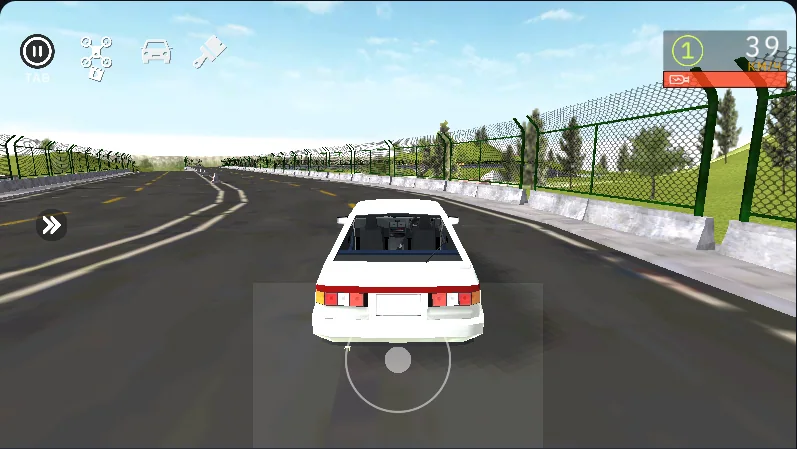
Driving straight from the map menu
Crime and Vice City Police
Press PLAY and choose the top road map. Hold W to pull away. In our run the speed readout went from 0 to 39 as we got moving.
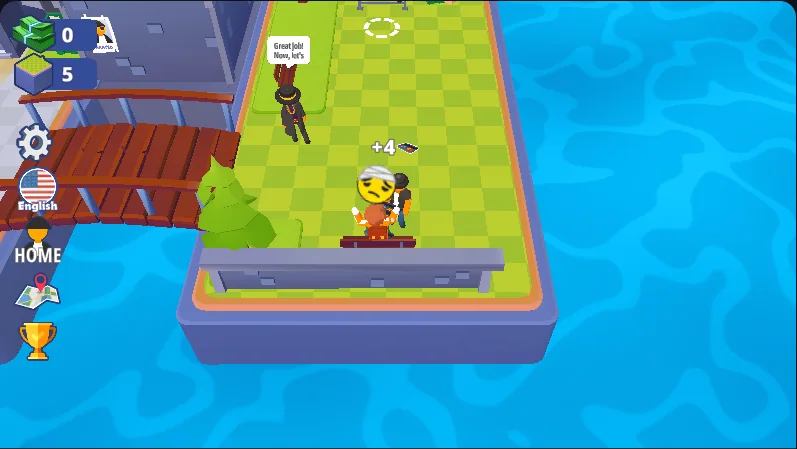
Top-down island jobs
Gangsta Island: Crime City
Hold D to cross the bridge from Home. Follow the red arrow to the bench. Our first interaction there showed +4 beside an item icon.
How to play in your browser
Pick a disc
BayDay.io opens in the computer by default. Select another disc to switch games, then use the play button if the game shows one.
Click inside the screen
Click the game before using your keyboard. Follow the controls on screen. In BayDay.io, F enters a car when the prompt is visible, then W accelerates.
Open a larger player
Use Expand Game below the monitor screen to open the current game’s detail page with its larger player already expanded.
GTA-style browser game FAQ
Can I play these GTA-style games for free without downloading?
Yes. The games on the disc shelf launch in your browser without installing a separate game client.
Which game gets me driving the quickest?
Crime and Vice City Police puts you in a car as soon as you pick the first road map. In BayDay.io, the white sedan at the starting point is ready once you see the F prompt.
How do I find the first mission marker?
In Grand Shift Auto, check the yellow exclamation mark on the park radar. In Sandbox City, finish the opening dialogue and check the distance label near the blue car to find Mission Guy.
Can I play on a phone?
Touch controls depend on the game. Check the selected game's controls for on-screen buttons. The F, WASD and Space tips here come from desktop keyboard-and-mouse tests.
Why doesn't the game respond to my keys?
Click inside the game again if you just used a page control. In Sandbox City, keep advancing the dialogue with the blue arrow until the WASD prompt appears.
What happens to my progress when I change discs?
Changing discs reloads the player. If you want to keep the current run open, stay on its disc until you finish. Any saved progress depends on the game.
Back to the city
Swap discs for another round